Pixi.js Shader Preview
Tetorica Retro Player
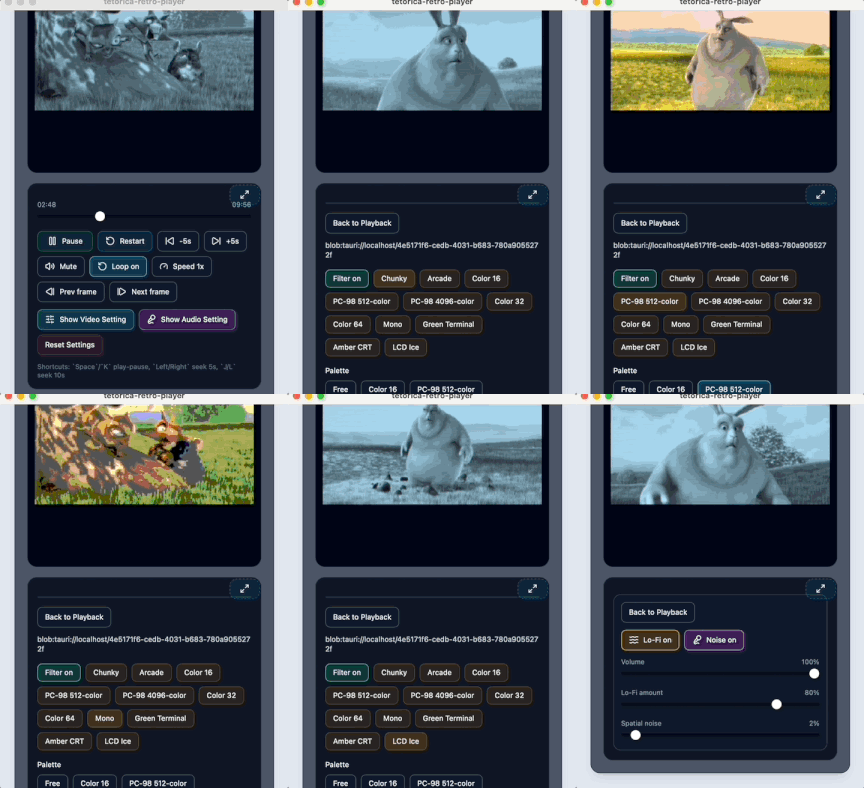
Images, videos, and screen capture are pushed through the same retro CRT/PC filter pipeline, with lo-fi retro audio effects to match. Build a playlist, send files over from your phone with mDrop, set an alarm, and record the filtered output — all from one desktop app (macOS / Windows / Linux), an Android app, a Chrome extension, or the browser demo below.
What You Can Try In The Demo
Start with a photo, a clip, or a captured app window, then move between PC-98 style color limits, monochrome terminal looks, CRT/phosphor finishing, and lo-fi audio effects. Load multiple files as a playlist, save your favorite look as a settings file, and pick up the full manual for anything the demo doesn't cover.